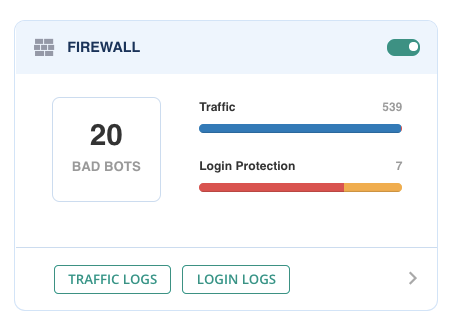
Step 1: After enabling the Firewall, two options will appear: Traffic Logs and Login Logs. Select the latter.
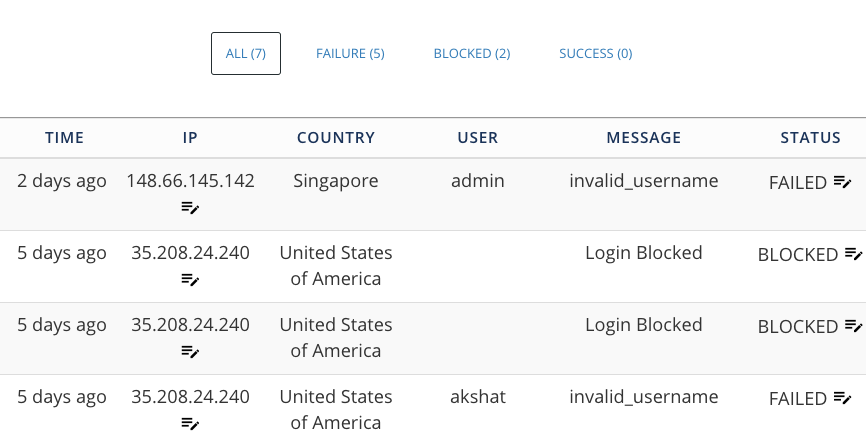
Step 2: Login Logs show you details of the login requests made on your login page.

Modified on: Thu, 16 Apr, 2020 at 12:40 AM
Step 1: After enabling the Firewall, two options will appear: Traffic Logs and Login Logs. Select the latter.
Step 2: Login Logs show you details of the login requests made on your login page.
Did you find it helpful? Yes No
Send feedback